

Mac Keyboard Shortcuts
As the second Tech Tip of the month we present you an article all about shortcuts on your Mac keyboard, researched and written by our intern Ryan Donegan. Do you have a Mac but would appreciate working more effectively and efficiently? (… and let’s be honest, that’s what it’s all about, isn’t it?) In that case, this article was written specifically for YOU!
Copy: 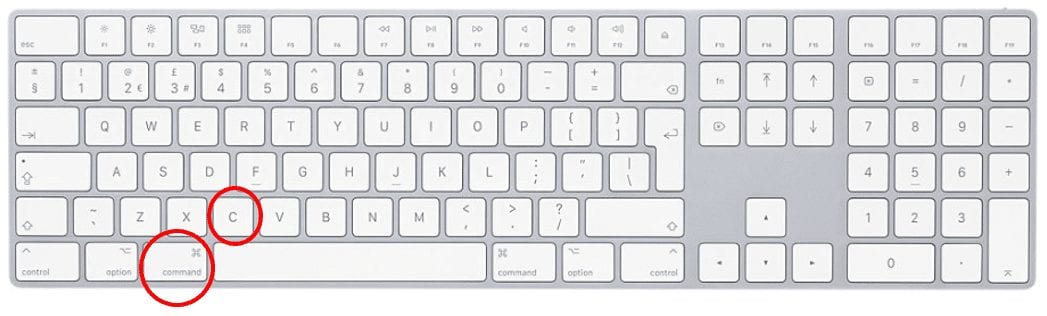
Press the command key and “C” key simultaneously.
Paste: 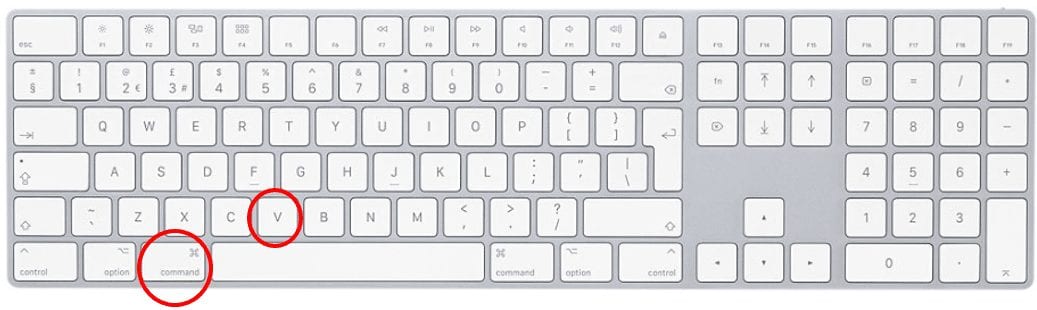
Press the command key and “V” key simultaneously.
Save: 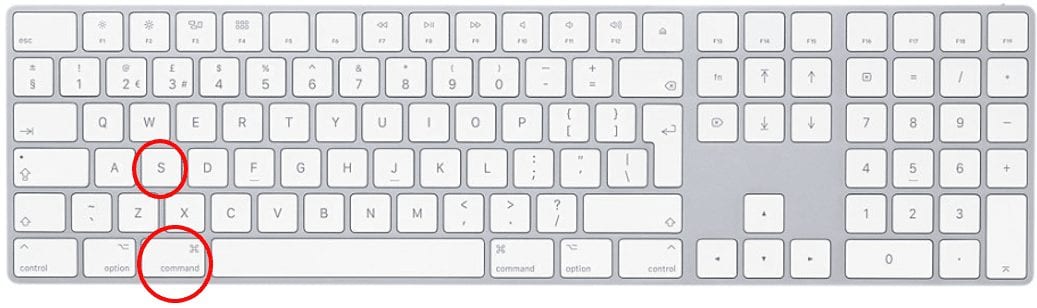
Press the command key and “S” key simultaneously.
Undo: 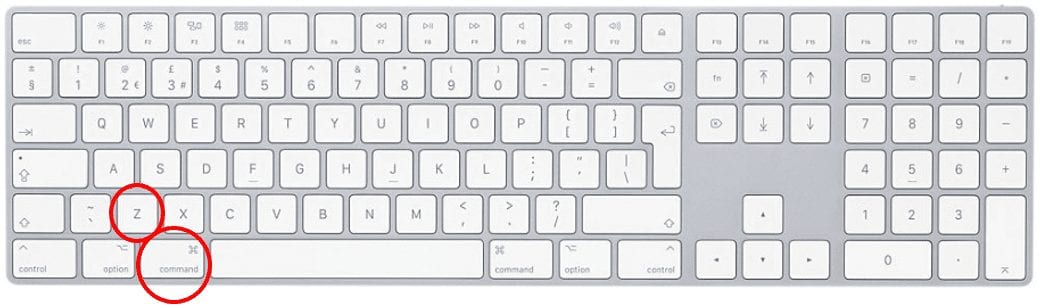
Press the command key and “Z” key simultaneously.
Screenshot: 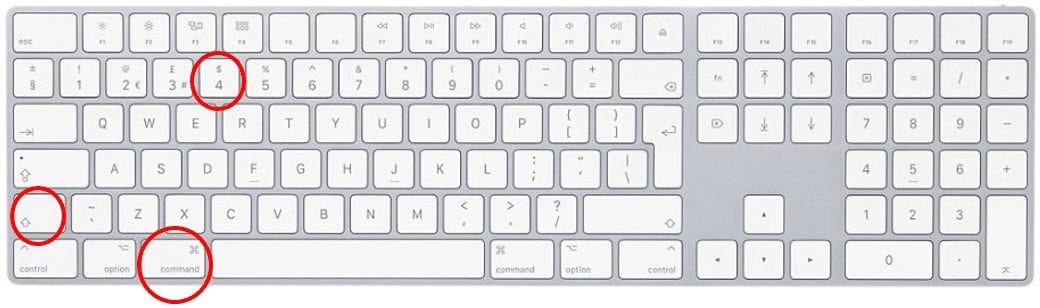
Press the command key, shift key, “4” key simultaneously.
Cut: 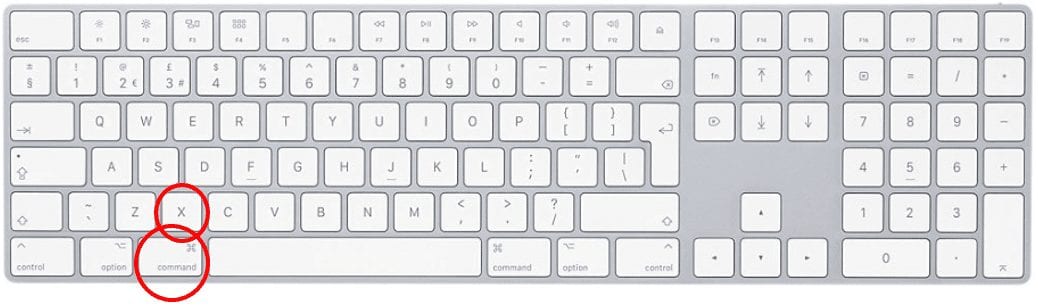
Press the command key and “X” key simultaneously.
Select All: 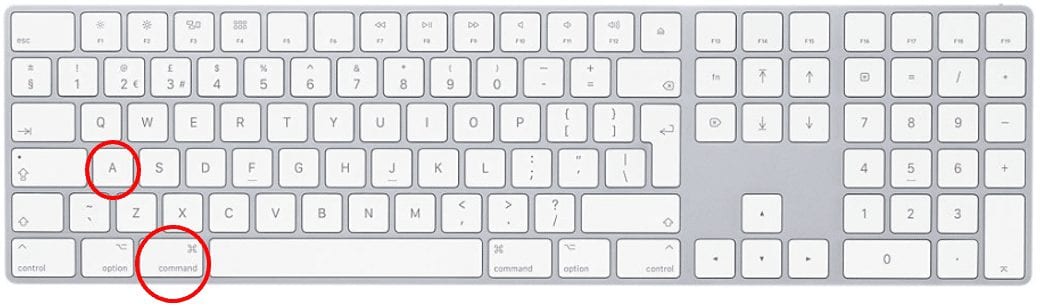
Press the command key and “A” key simultaneously.
Find: 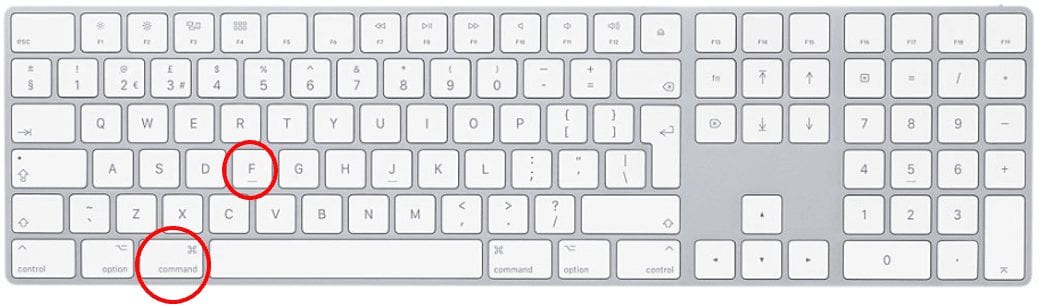
Press the command key and “F” key simultaneously.
Open New Window: 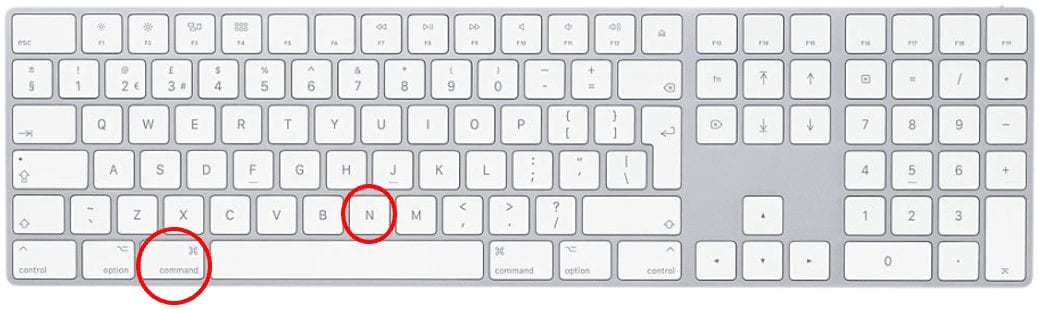
Press the command key and “N” key simultaneously.
Open Selected Document: 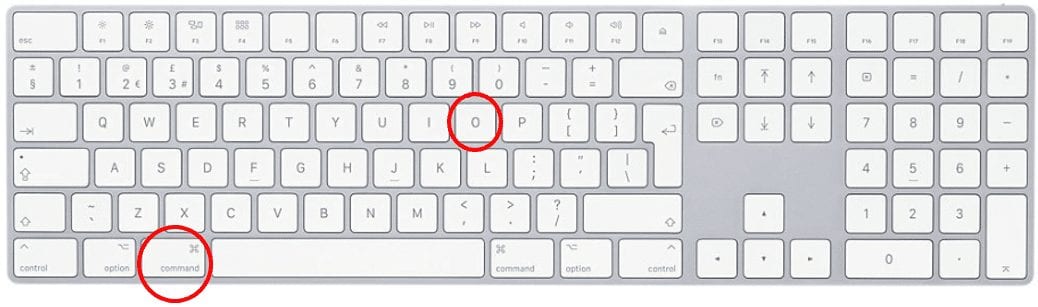
Press the command key and “O” key simultaneously.
Print: 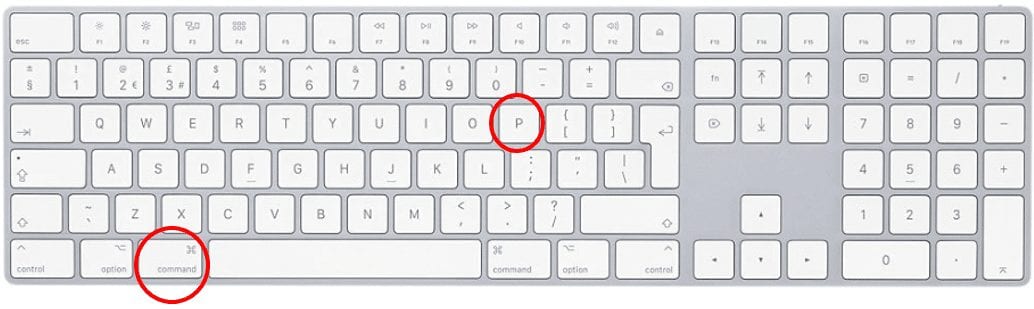
Press the command key and “P” key simultaneously.
Quit: 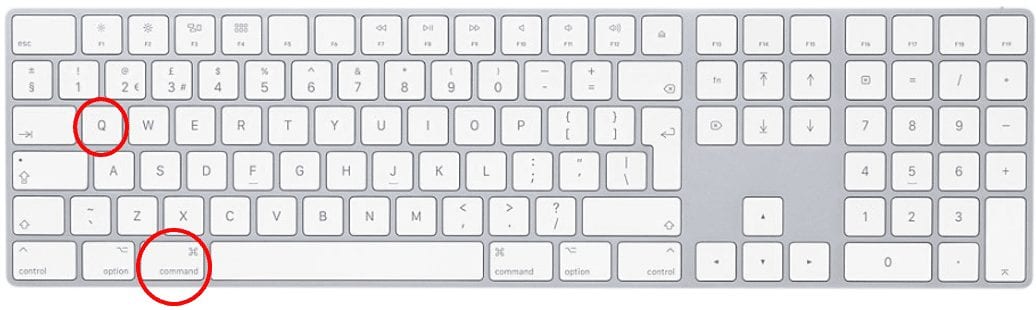
Press the command key and “Q” key simultaneously.
Force Quit: 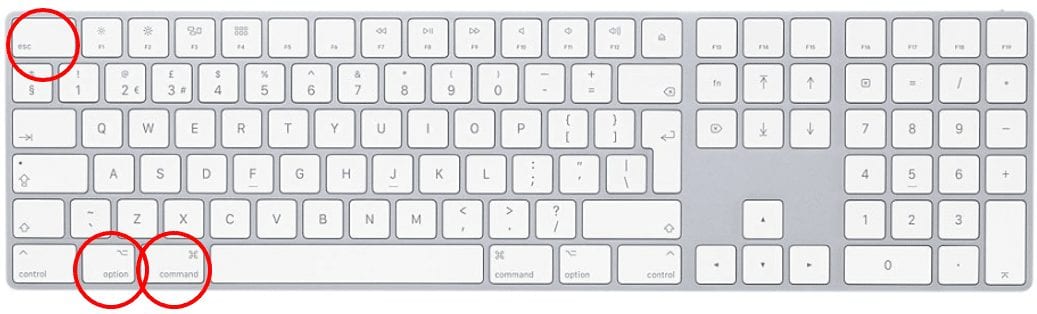
Press the command key, option key, and escape key simultaneously.
Spotlight Search: 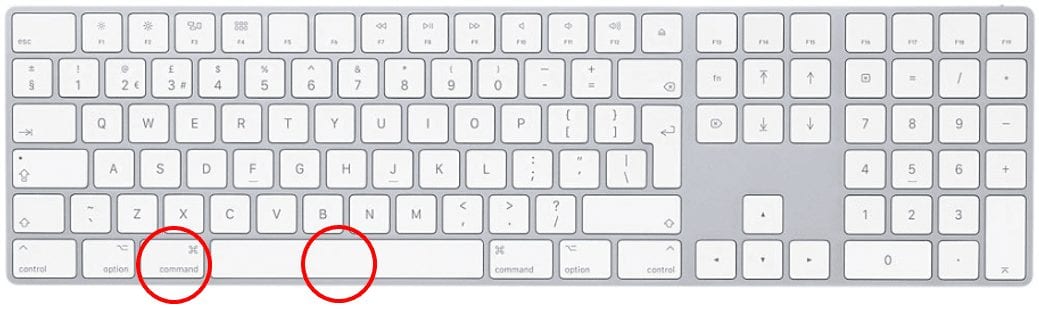
Press the command key and spacebar simultaneously.
Bold: 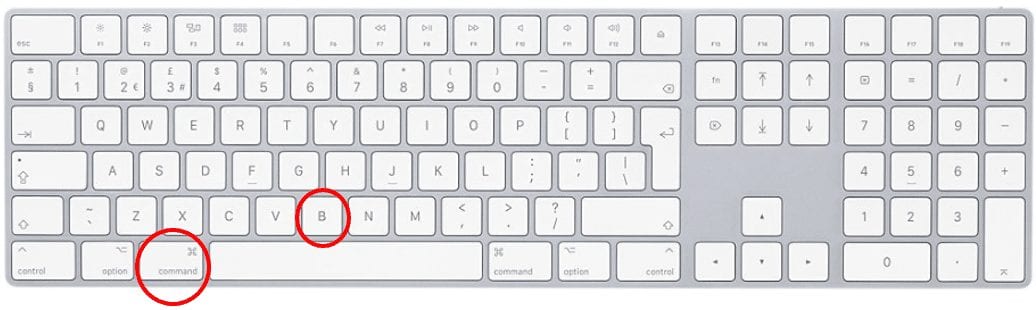
Press the command key and “B” key simultaneously.
Underline: 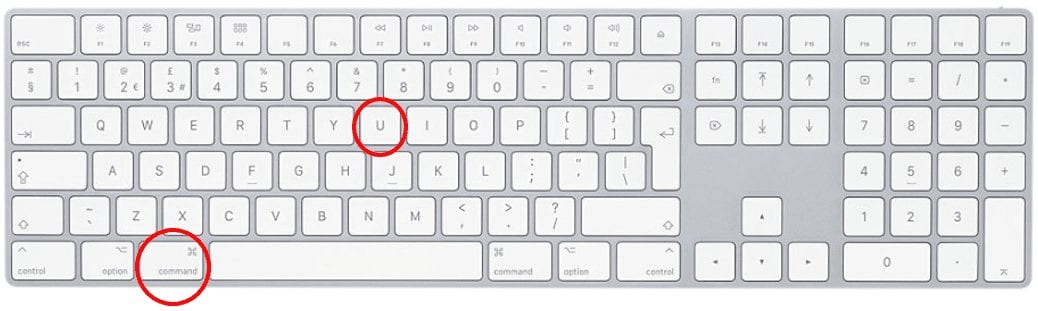
Press the command key and the “U” key simultaneously.
Italicize: 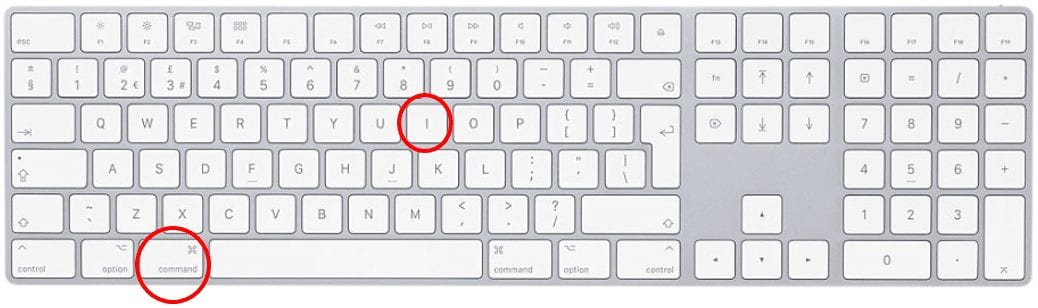
Press the command key and the “I” key simultaneously.