


Underdog of Office 365: To Do
Let’s be real: every one of us has a long list of tasks to complete each day. Some of us like to hand-write them down, others like to simply memorize them. But what if we forget the list at home? Or what if we forget what we tried so hard to memorize? Microsoft understands our struggle and came up with a solution: To Do! In order to keep our March theme going, we will talk about this wonderful and life-saving app today, which is yet another underdog of Office 365 – and way too underestimated!
What can you DO with To Do?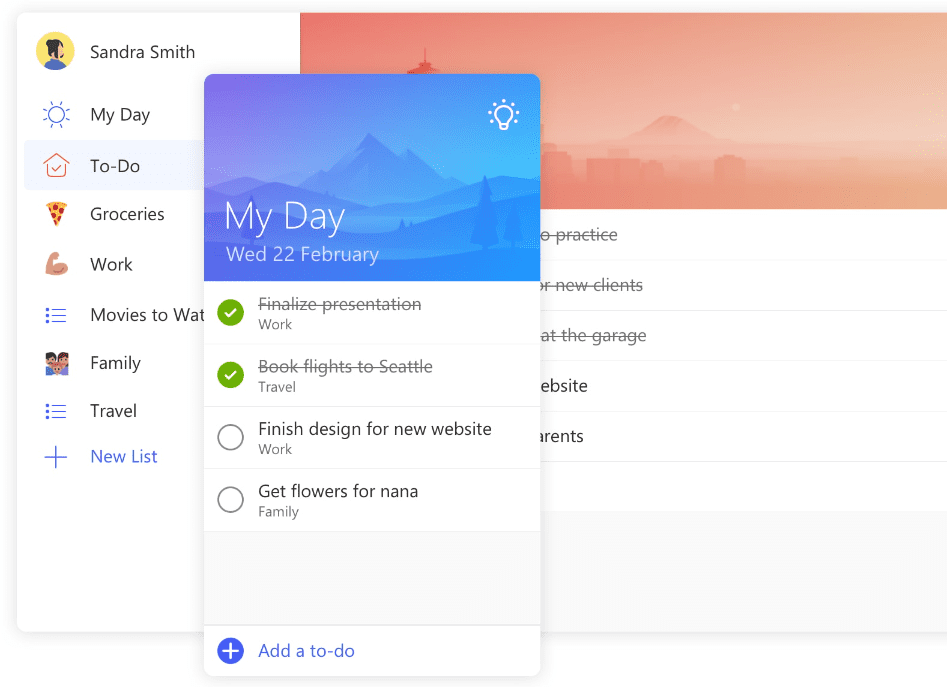
- Plan your day – add to-dos from our Suggestions or enter new to-dos in My Day.
- Set due dates and reminder times for each to-do to keep everything on track.
- Add notes within each to-do’s detail view.
- Automatically sync your to-dos to Outlook tasks.
- Access your lists and to-dos from anywhere. With our iPhone®, Android™, and Windows 10 web apps, you can log in to your account on all your devices.
How to get started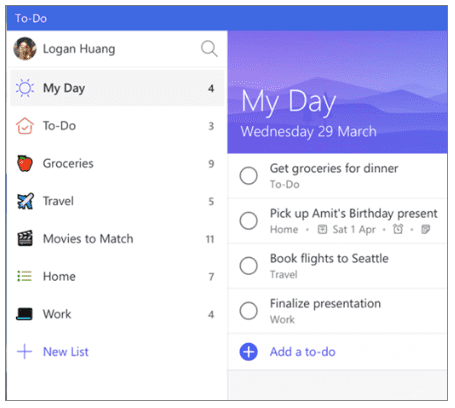
Create a list
- Tap or click + New List. (This creates a list with the name Untitled List. To rename it, select it and type a new name.)
Create a to-do
- Select + Add a to-do, type the to-do, and press Enter. (Your new to-do is added to the bottom of your list.)
Create a due date
- Select a to-do.

- Select Add due date and choose a due date: Today, Tomorrow, Next Week, or Pick a date
Create a reminder
- Select a to-do.
- Select Add reminder and choose a reminder: Later today, Tomorrow, Next Week, or Pick a date and time
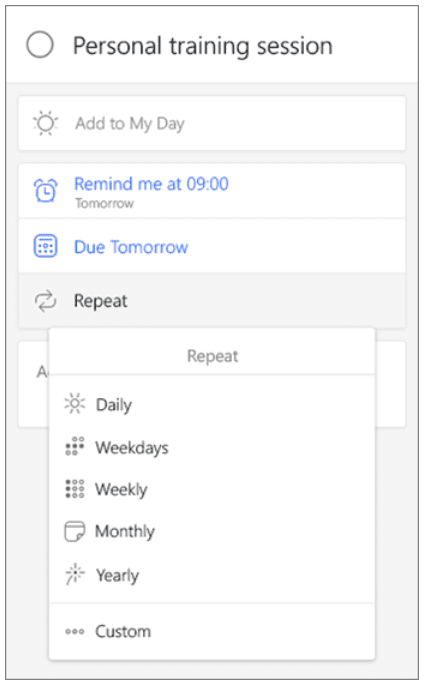
Set a due date to repeat
- Select a to-do.
- Select Add due date and choose the first due date.
- Select Repeat and choose when to repeat: Daily, Weekdays, Weekly, Monthly, Yearly, or Custom